Torque
Machines. Gears. Shafts.
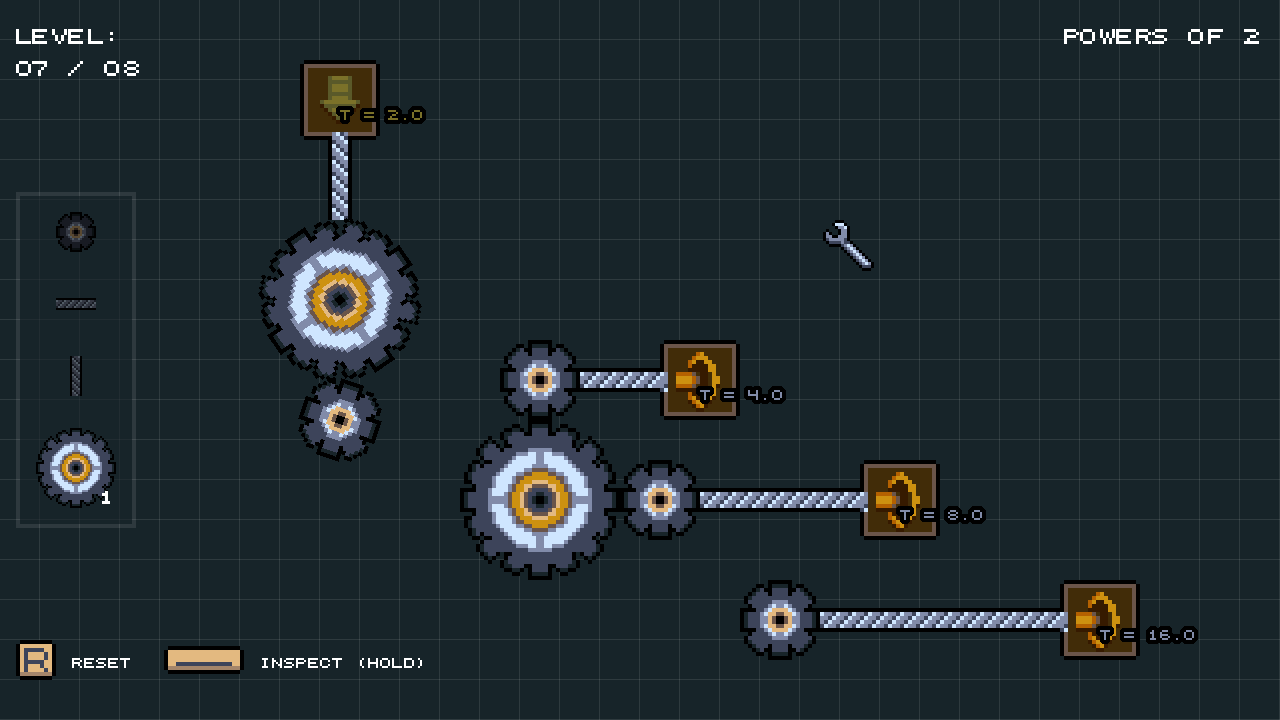
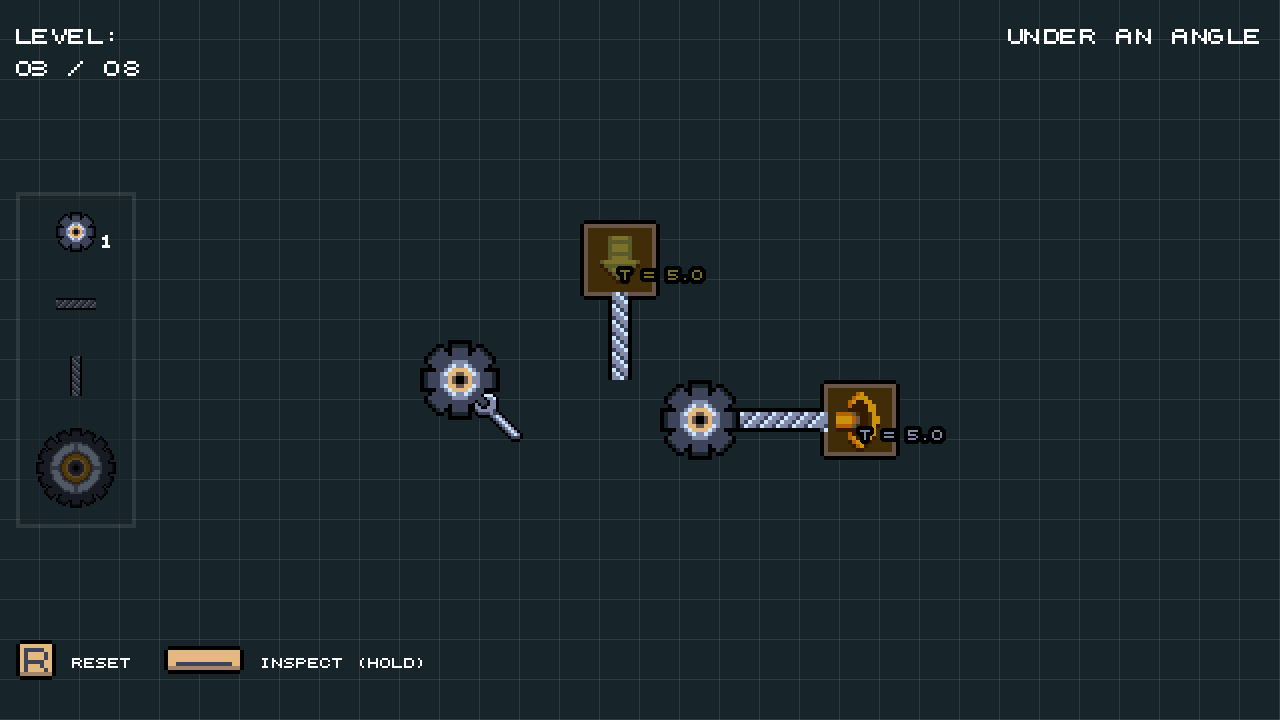
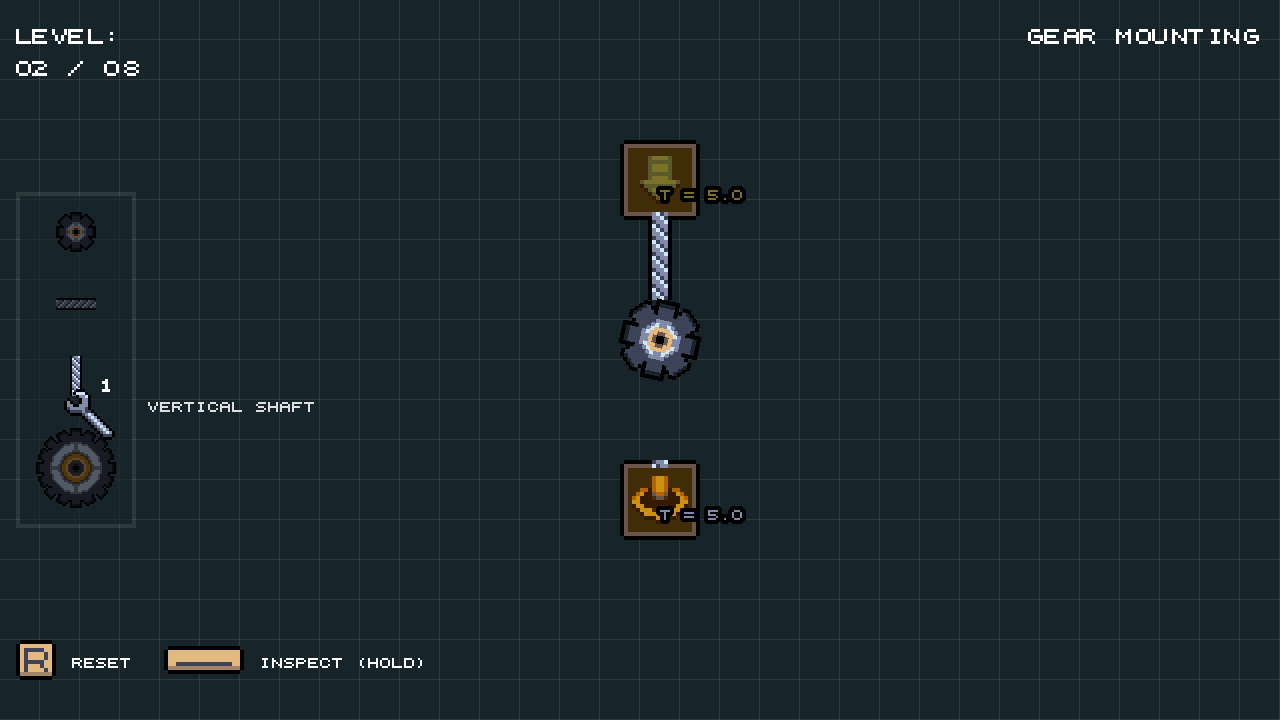
Torque is a 2D grid-based puzzle game where your goal is to match the expected torque of each output block by transferring it from one or more input blocks.
Stuck? For help, check out the manual section below.
Manual (Click here to expand)
What is torque?
Torque is the rotational equivalent of force - a measure of how strongly something is twisted around a pivot point.Parts
| Part | Name | Description |
 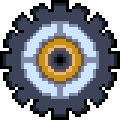 | Gear | Transfers its torque to gears connected to it from any side (top, bottom, left, right). If there is a shaft driving the gear, it will also transfer the torque to another shaft mounted in the same direction. When two different gears are connected, the transferred torque is multiplied by the ratio of their sizes, i.e.:
|
  | Shaft | Transfers torque only in the direction it is facing. Two different gears can be mounted on it. |
 | Input Block | Produces torque. Only shafts can be connected to it. |
 | Output Block | Expects torque. Only shafts can be connected to it. When all output blocks receive torque they expect, the level is complete. |
Made for Gamedev.js Jam 2026 without AI
Tools Used
- Game engine: Godot Engine
- Pixel art: Aseprite
- Music: FamiStudio
- Sound effects: jsfxr
Comments
Log in with itch.io to leave a comment.
More, please.
You might get more 😎
Last one was tricky but i finished it :3
I am glad you did! Thank you for playing my game 🙂
If you swap big gear and small gear at the left in the 6th level it looks good, but you can't win
Hey, thanks for checking out my game!
That's intended. The torque that goes into the output block needs to match what that block expects. You can always inspect the current state by holding SPACE.
For more information, you can refer to the manual section on this page.